


Comprehensive Handbook on LED Display Walls
In the ever-evolving world of visual technology, LED display walls have emerged as a powerhouse for captivating audiences across various sectors. Whether illuminating a bustling stadium, enhancing a corporate boardroom, or creating immersive experiences in retail spaces, these dynamic screens offer unparalleled versatility and impact.
Understanding the Basics of LED Display Walls
At its core, an LED display wall consists of multiple LED panels seamlessly integrated to form a large, cohesive screen. LED stands for Light Emitting Diode, a semiconductor device that emits light when an electric current passes through it.
Unlike traditional LCD or projection systems, LED walls produce their own light, resulting in brighter, more vibrant images with superior contrast ratios.
Today, these walls are composed of modular cabinets, each housing numerous LED modules containing clusters of red, green, and blue (RGB) diodes that blend to create millions of colors.
Direct-view LED (DVLED) walls eliminate the need for backlighting, offering slimmer profiles and energy efficiency, with configurations ranging from flat panels to curved setups.
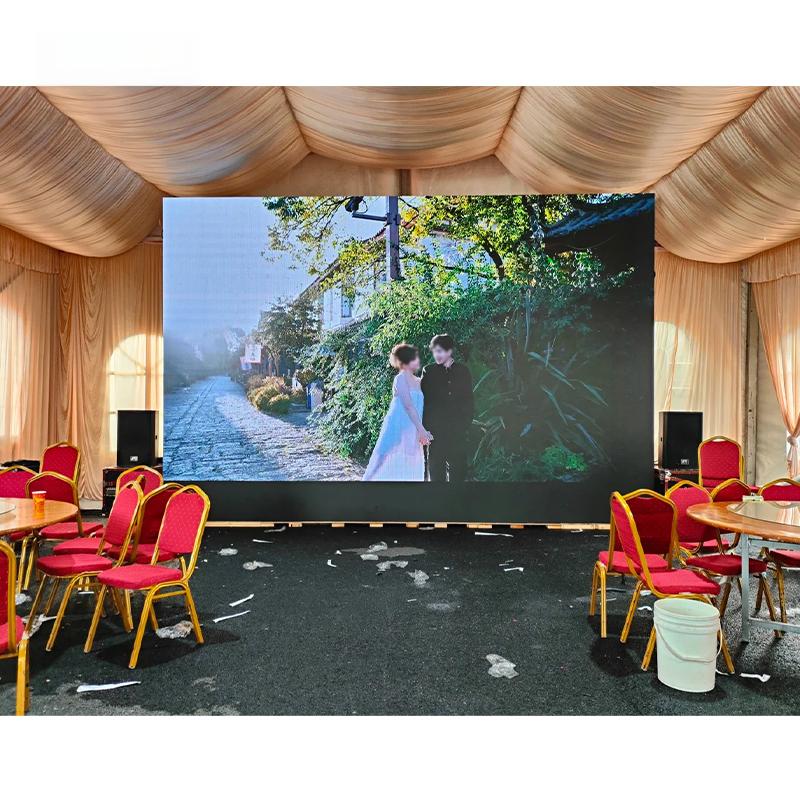
The Advantages of Opting for LED Display Walls
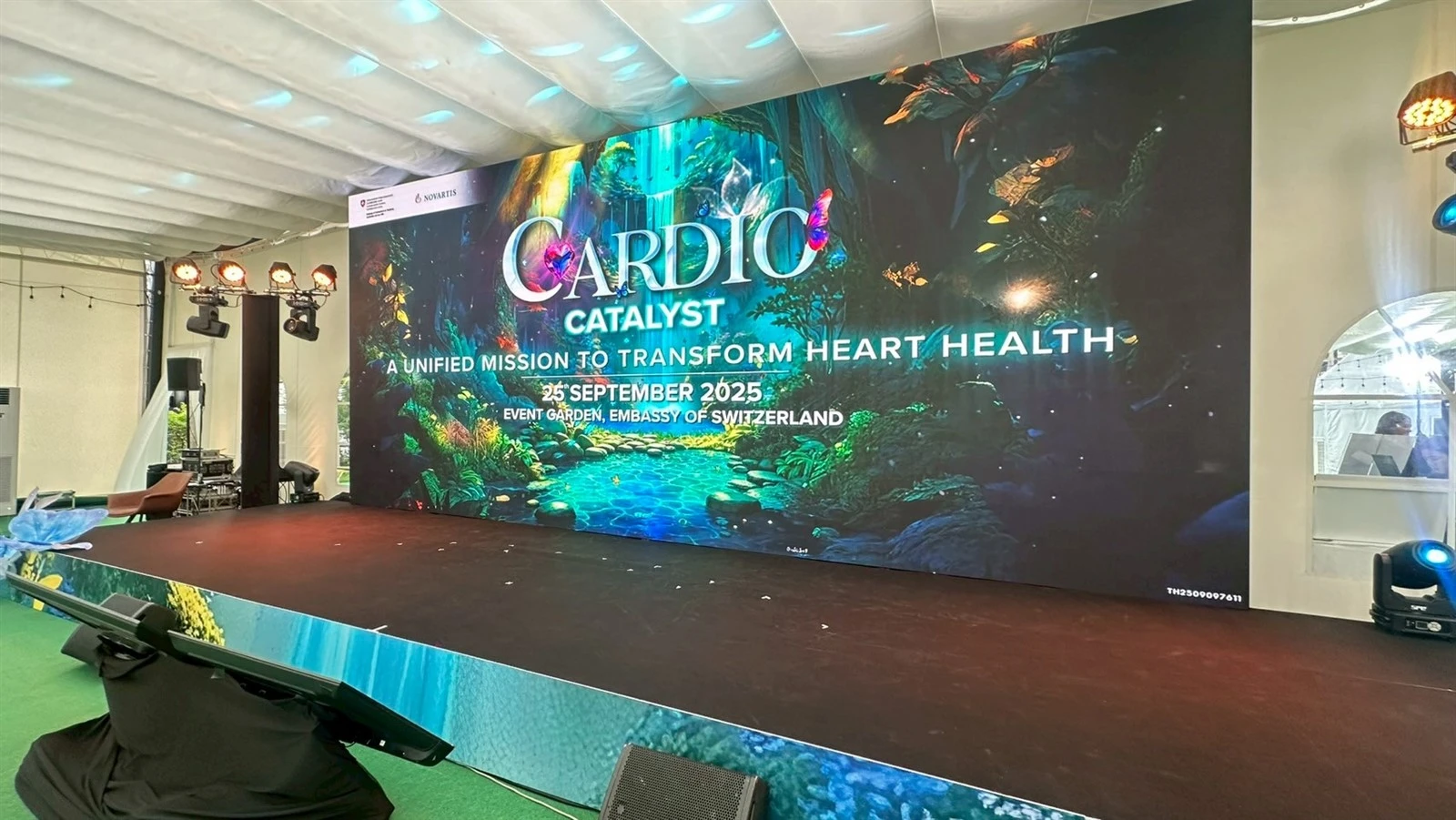
LED display walls offer numerous advantages over alternatives like plasma or OLED screens, making them a preferred choice for various applications:
1.Superior Brightness: Often exceeding 1,000 nits, ideal for high ambient light environments
2.Durability: Built to withstand harsh conditions with weatherproofing for outdoor models
3.Long Lifespan: Averaging 100,000 hours, reducing long-term replacement costs
4.Energy Efficiency: Consume less power than alternatives with automatic brightness adjustment
Visual and Practical Benefits
Seamless Imagery
No bezels interrupting the view, unlike tiled LCD video walls
High Refresh Rates
Minimize motion blur, perfect for fast-paced content
Wide Viewing Angles
Consistent color and brightness from various perspectives
Scalability
Easily expandable by adding more panels as needs grow
Exploring Different Types of LED Display Walls
LED display walls aren't one-size-fits-all; they vary based on intended use, environment, and specifications.
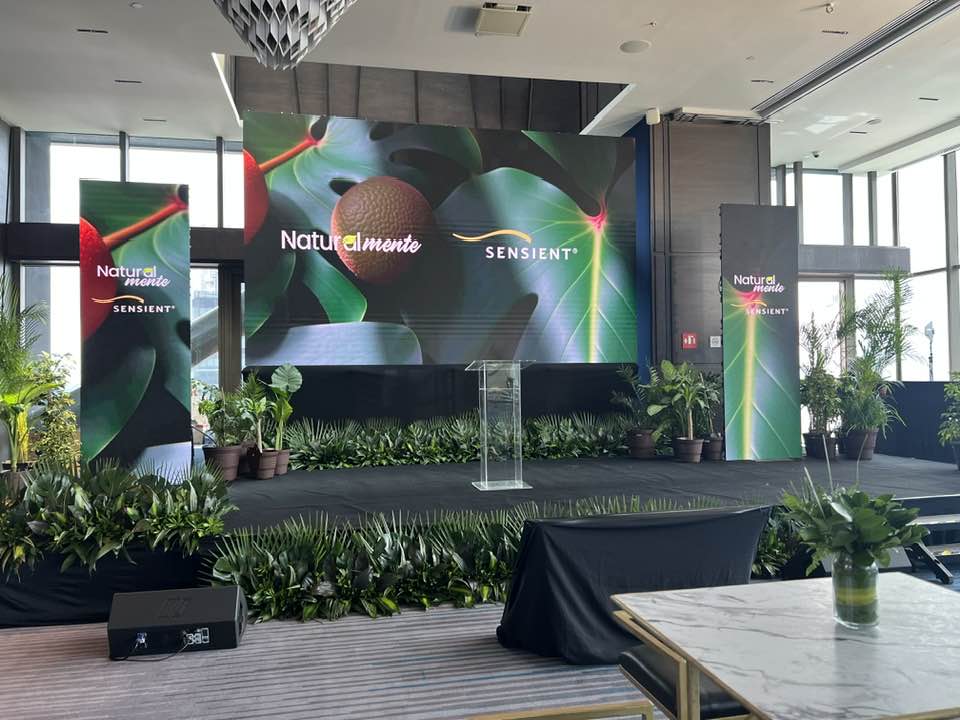
Prioritize fine pixel pitches (1.2mm to 2.5mm) for close-up viewing in settings like conference rooms, museums, or control centers.
1.Anti-glare coatings to reduce reflections
2.500-800 nits brightness range
3.High resolution for detailed content
Boast higher brightness (up to 10,000 nits) and coarser pitches (4mm to 10mm+) for viewing from greater distances.
1.IP65 or higher ratings for weather resistance
2.5,000+ nits brightness for sunlit environments
3.Durable against dust, wind, and temperature extremes
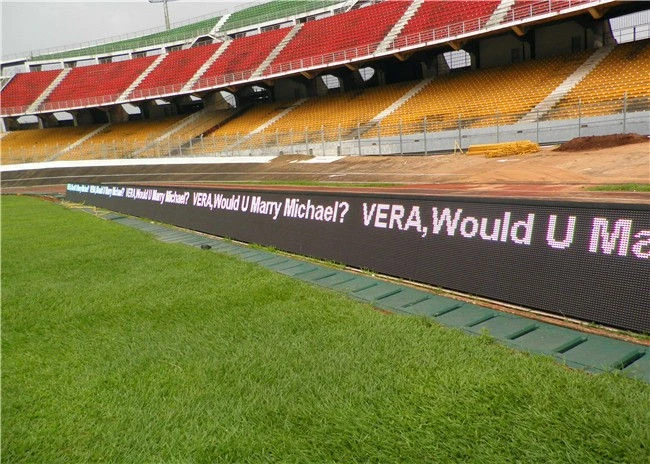
Fixed Installations
Permanent setups customized for specific locations such as digital billboards, airport displays, or corporate lobbies.
Rental LED Walls
Portable, lightweight, and quick to assemble/disassemble, ideal for events like concerts, trade shows, or temporary exhibitions.
Specialized Types
Include transparent LED walls for storefronts and flexible screens that can bend or curve for artistic installations.
Key Technical Specifications to Consider
Pixel Pitch
The distance between LED centers, measured in millimeters. Smaller pitches yield higher resolutions but increase costs, best suited for closer viewing distances. A 1.5mm pitch suits 4K walls viewed from 5 feet, while 6mm works for billboards seen from 50 feet.
Resolution & Aspect Ratio
Ties closely to pitch and screen size. Common resolutions include HD (1920x1080), 4K (3840x2160), and 8K for massive setups. Standard aspect ratio is 16:9 for compatibility with most video content.
Brightness & Contrast
Measured in nits, brightness should match the environment-500-800 nits for indoors, 5,000+ for outdoors. Contrast ratio affects image depth; higher ratios (e.g., 3000:1) produce deeper blacks and vivid colors.
Refresh Rate & Viewing Angle
Refresh rate (Hz) determines smoothness-above 1,920Hz prevents flickering in camera captures. Ideal viewing angle is 160° horizontal/vertical to maintain quality from off-axis positions.
Additional Important Specifications
Color Gamut
DCI-P3 and other standards for accurate color reproduction
Grayscale Levels
Affects subtle gradients and smooth color transitions
Power Consumption
Measured in watts per square meter for energy planning
HDR Support
Enhances dynamic range for more lifelike imagery
Calibration Tools
Ensure uniform brightness and color across all panels
IP Rating
For outdoor models, indicates dust and water resistance
How to Select the Right LED Display Wall
Choosing an LED display wall involves assessing your specific requirements against available options to find the perfect fit.
Define Your Purpose
Determine if it's for advertising, information dissemination, entertainment, or command/control. This influences size, resolution, and necessary features.
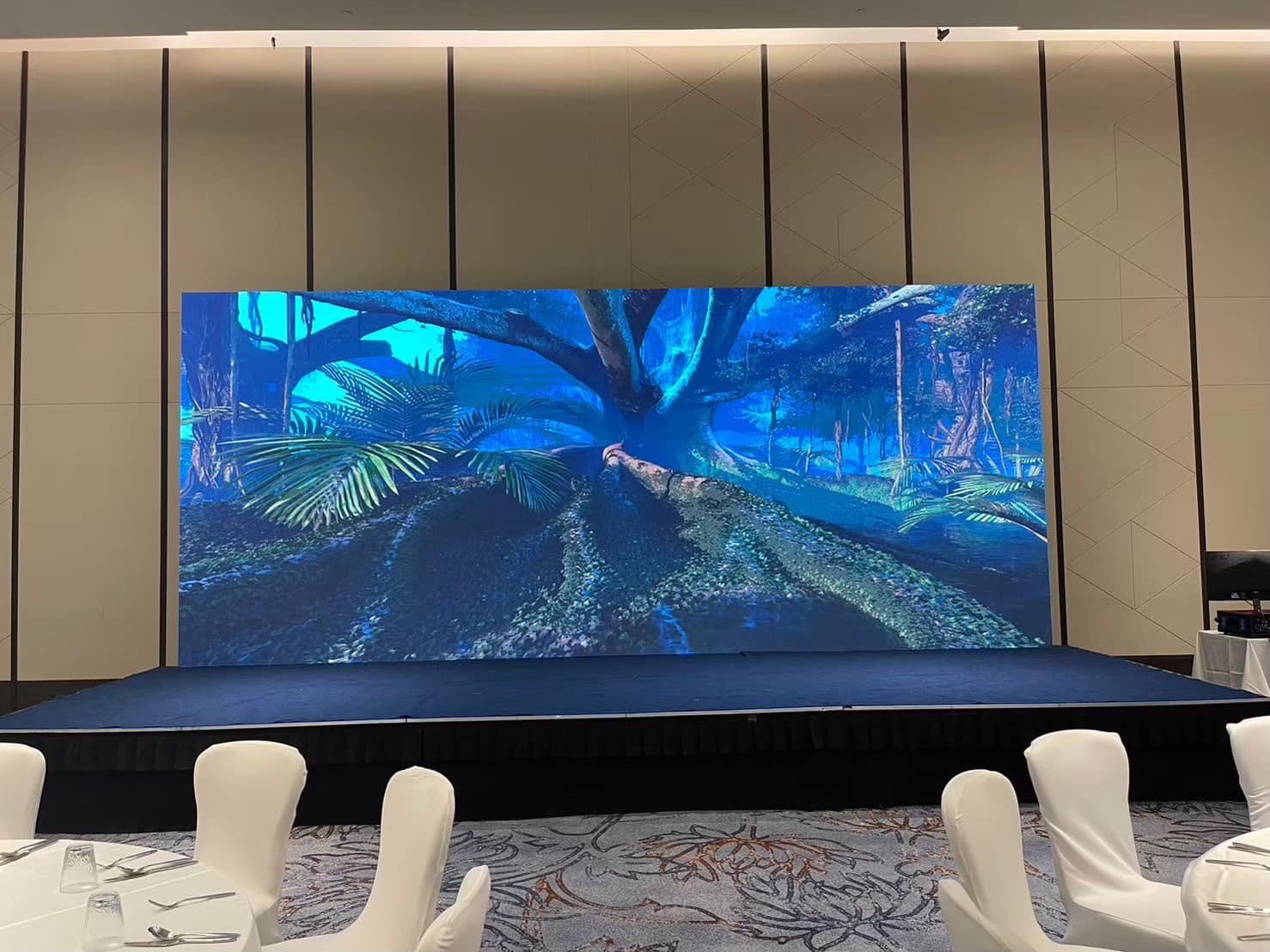
Establish Your Budget
Costs range from $500 to $2,000 per square meter, depending on pitch, brightness, and brand. Factor in installation, content management systems, and ongoing maintenance.
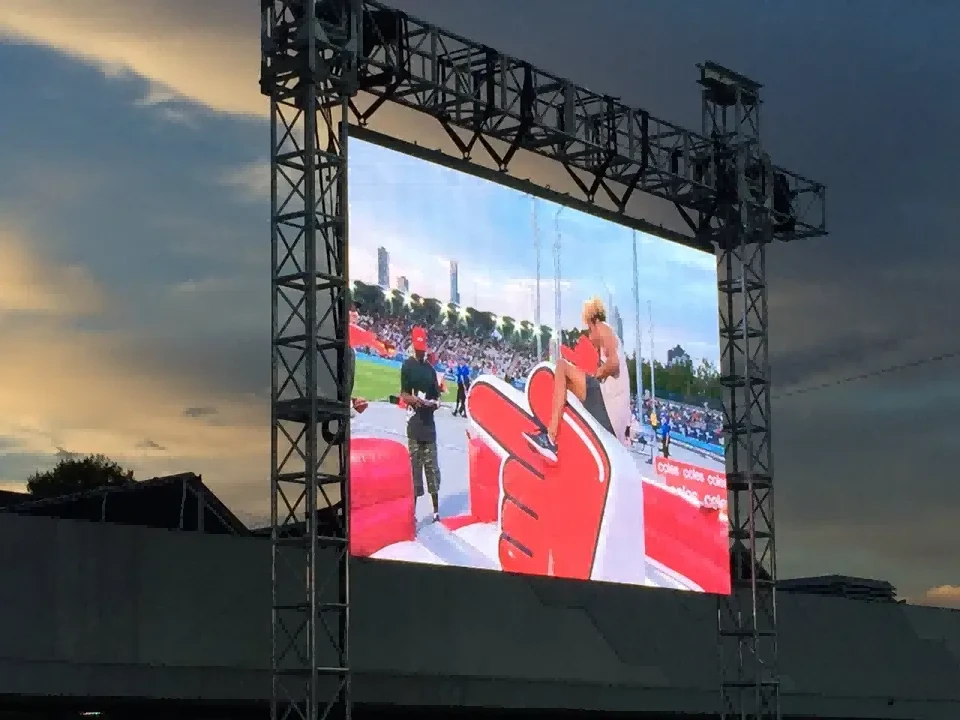
Conduct a Site Survey
Measure available space, consider viewing distances, ambient light conditions, and structural support requirements. For outdoor installations, account for weather factors and permits.
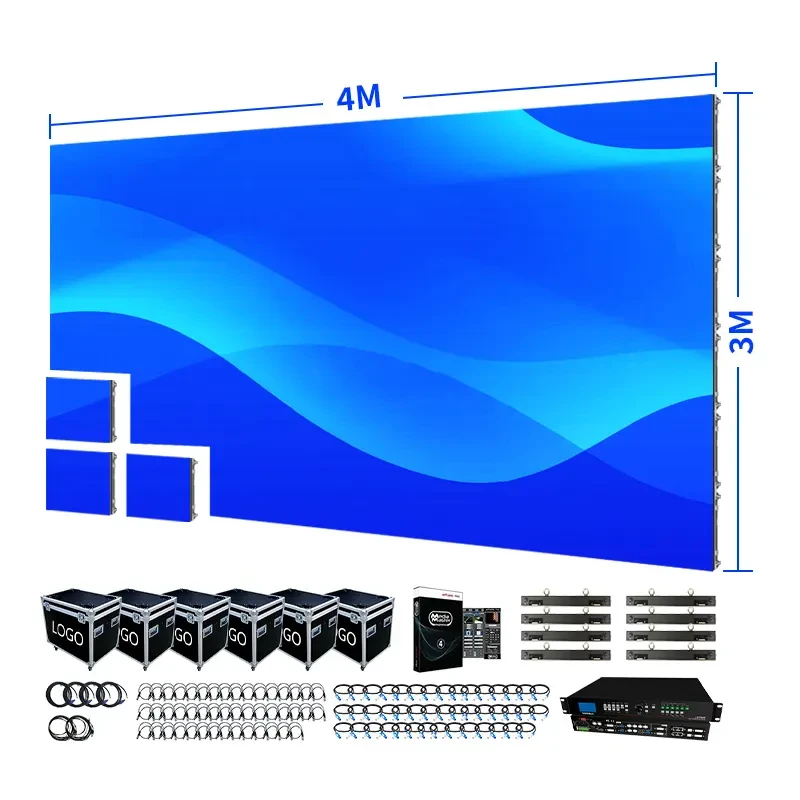
Evaluate Vendors
Assess based on reputation, warranty (typically 2-5 years), and after-sales support. Request demos or references to gauge quality and reliability.
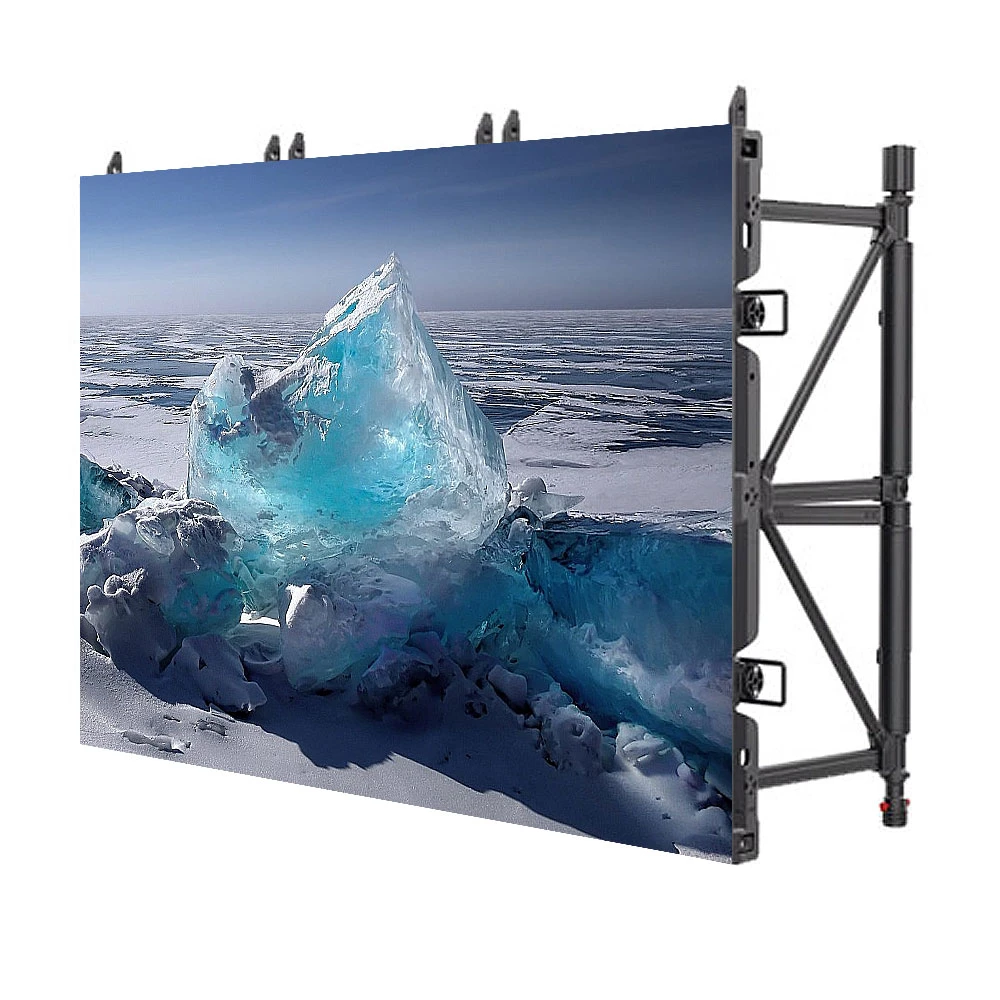
Consider Integration & ROI
Ensure compatibility with existing systems and software. Calculate energy savings, reduced downtime, and enhanced engagement metrics to justify your investment and projected ROI.
Installation and Setup Best Practices
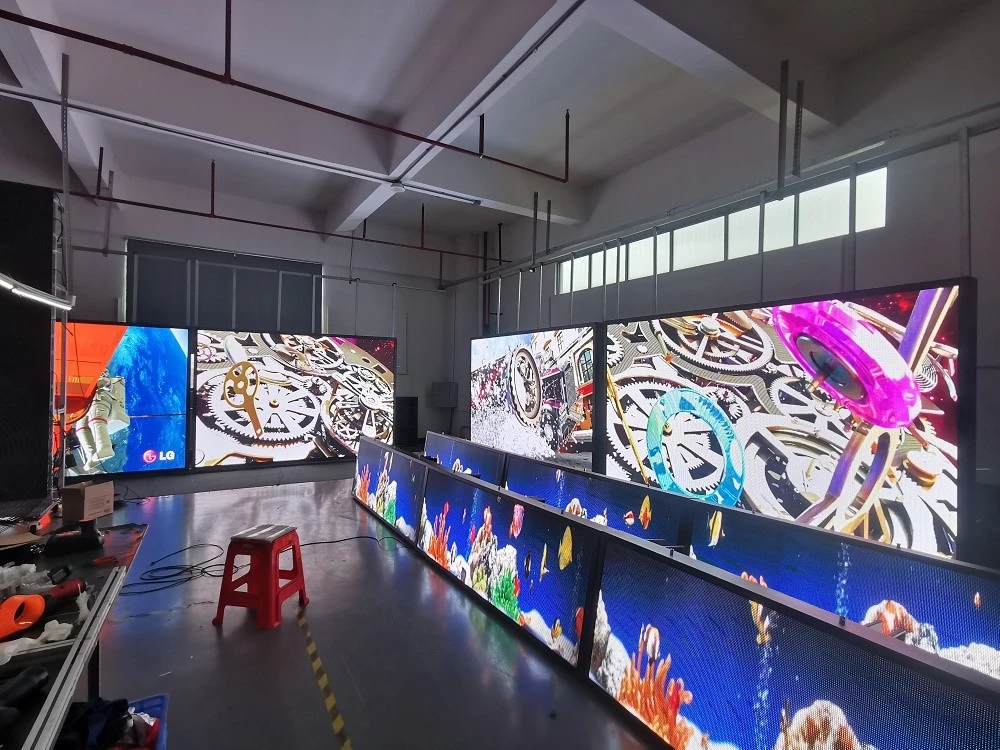
Installing an LED display wall requires precision to avoid issues like misalignment or electrical faults. Professional installation is recommended for optimal results.
Planning & Design
Design the layout including cable routing and power distribution. Create detailed installation plans.
Mounting & Structural Support
Walls can weigh hundreds of pounds, necessitating sturdy frames or trusses. Integrate into building structures for fixed installs.
Cabling & Connections
Handle video signals (HDMI, DVI, or fiber optics) and power. Implement redundant setups to prevent failures.
Calibration & Testing
Use software to align panels, adjust color uniformity, and set brightness. Test with sample content to verify performance.